• Home
  • ACCOUNT
    • LOGIN
    • SIGNUP
    • RECOVERY
    • ACTIVATION KEY
  • CHANGELOG
    • All Platforms
  • HOW TO
    • Flash Your Pi
    • Reprogram Arduino
    • Use LC Account
    • Reload Direct To Loadcentral
    • Use ngrok
    • Build remote cashbox
    • Use your remote cashbox
    • Build MikroTik based vendo
    • Create your own Telegram Chat ID
    • Get your Facebook ID
    • Use the rewards system
  • OUR VENDOS

How to get your Telegram Chat ID?


You need to install the Telegram app on your mobile phone. Search the app on Apple Store if you are on IOS or Google Play if you are on Android.

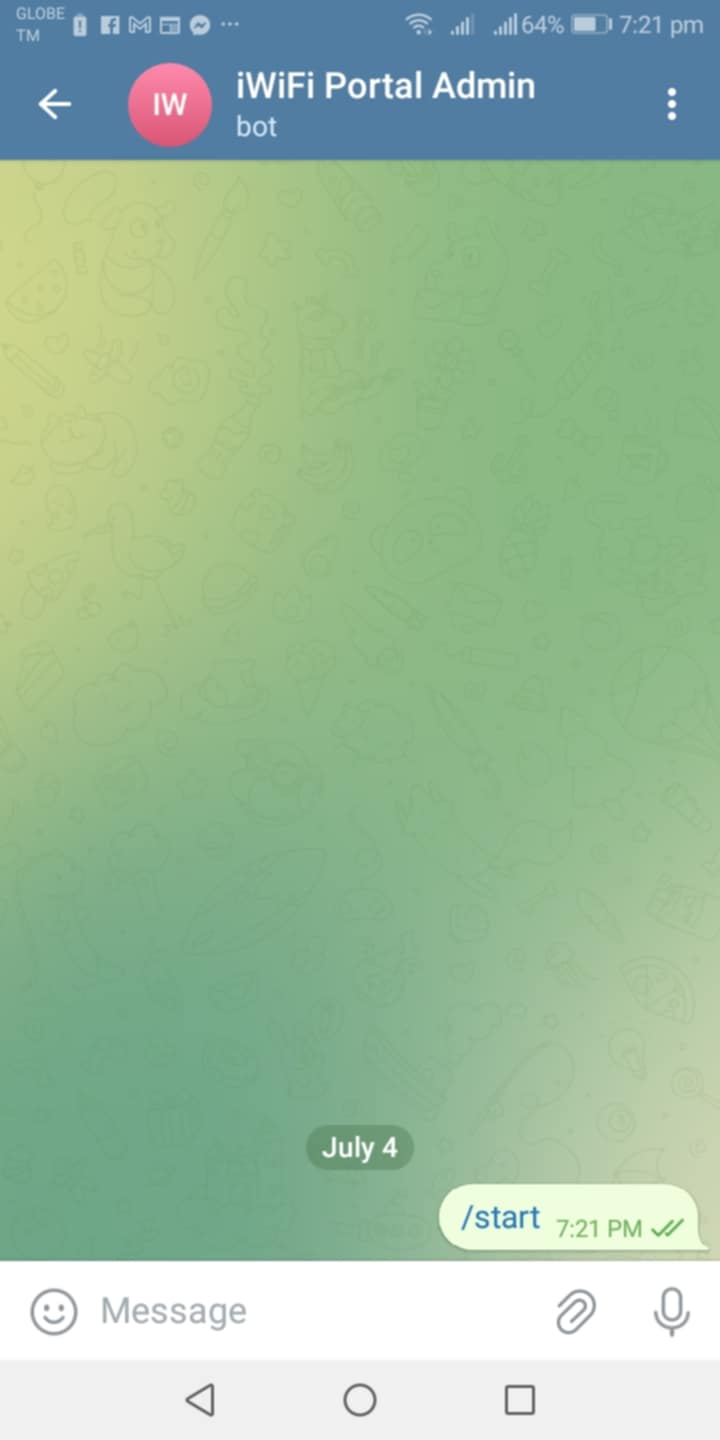
You won't receive any notification if you have not started a conversation with the bot yet. Search for the bot iWiFi Portal Admin then tap Start. Thats it!
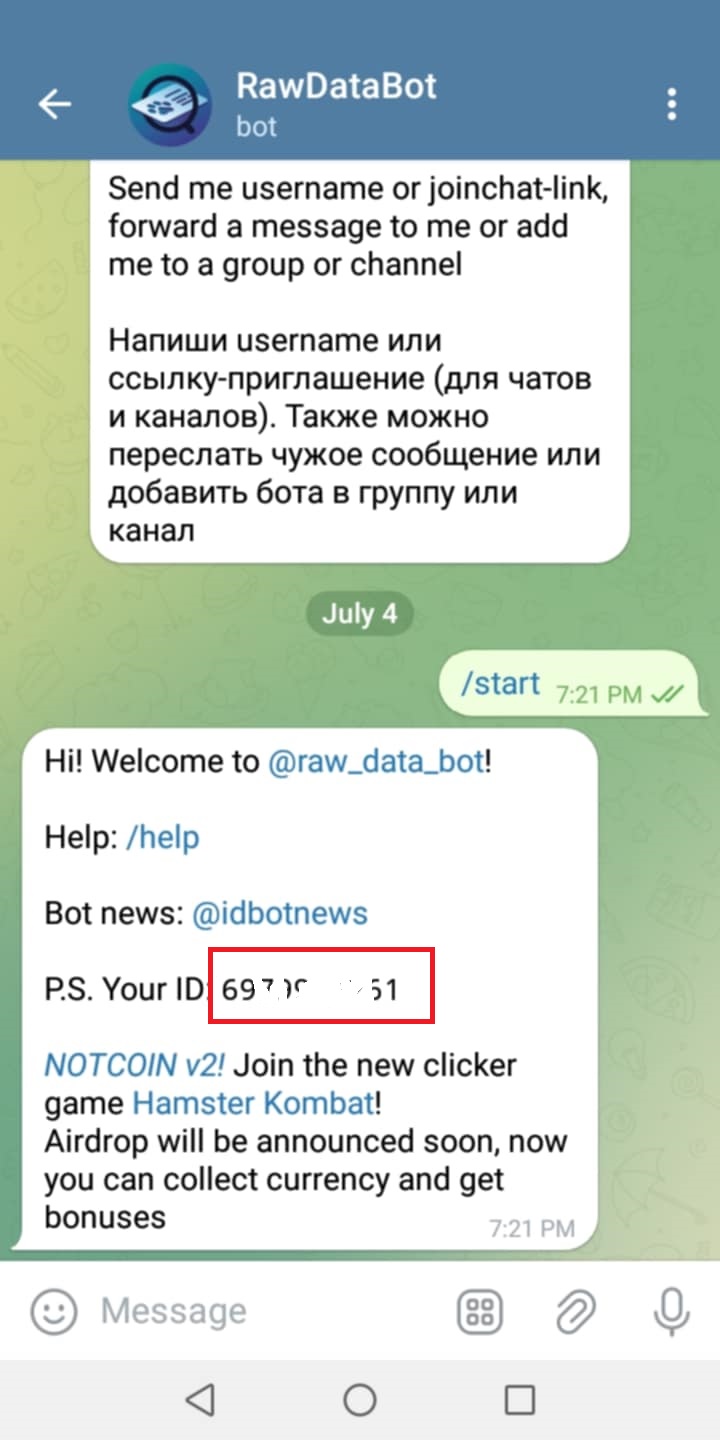
Open the Telegram app then search for RawDataBot. Tap the Start button to get your Chat ID.
Data Policy | Terms of Use

Copyright © 2019 - 2020 iWiFi Portal, All rights reserved | This template is made with by Colorlib